The Seven of Spades
Security research, CTF writeups, and hacking adventures
Metasplopitable 3
The Seven of Spades
Once I guessed the Administrator user’s password I was able to login through SSH in the Metasploitable3 server
root@igor-kali:~# ssh Administrator@10.20.10.19

Administrator@10.20.10.19's password:
Permission denied, please try again.


```text
Administrator@10.20.10.19's password:

\-sh-4.3$

\-sh-4.3$ pwd

/cygdrive/c/Users/Administrator
I started navigating through the folders and ended up in Users/Public/Documents and looking at the list of file I found a PDF file.
-sh-4.3$ cd Public
-sh-4.3$ ls
Desktop Documents Downloads Favorites Libraries Music Pictures Videos desktop.ini
-sh-4.3$ cd Documents/
-sh-4.3$ ls
My Music My Pictures My Videos desktop.ini jack_of_hearts.docx seven_of_spades.pdf
I downloaded the file using scp
root@igor-kali:~# scp Administrator@10.20.10.19:/cygdrive/c/Users/Public/Documents/seven_of_spades.pdf .

Administrator@10.20.10.19's password:
seven_of_spades.pdf 100% 494KB 2.9MB/s 00:00
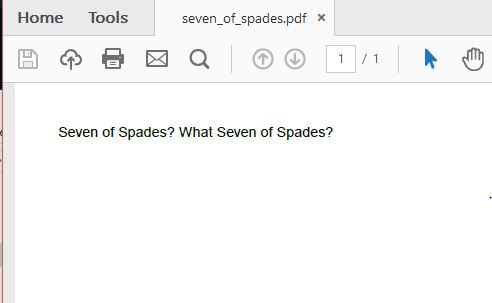
Bu it looks like this:
[](/assets/images/seven_of_spades_PDF.jpg)
Original PDF File
*So I use pdf-parser to look at the image and noticed to images embedded*
root@igor-kali:~/seven_of_spades# pdf-parser -w seven_of_spades.pdf |less
obj 7 0
Type: /XObject
Referencing: 8 0 R
Contains stream
<<
/Type /XObject
/Subtype /Image
/Height 729
/Width 521
/BitsPerComponent 8
**/ColorSpace /DeviceRGB**
/SMask 8 0 R
/Length 498422
/Filter [/FlateDecode]
/DecodeParms
<<
/Predictor 15
/Colors 3
/BitsPerComponent 8
/Columns 521
>>
]
>>
obj 8 0
Type: /XObject
Referencing:
Contains stream
<<
/Type /XObject
/Subtype /Image
/Height 729
/Width 521
/BitsPerComponent 8
/ColorSpace /DeviceGray
/Decode [0 1]
/Length 5636
/Filter [/FlateDecode]
/DecodeParms
<<
/Predictor 15
/Colors 1
*One of them is RGB and the other is in Gray Scale so it must be the RGB one.*
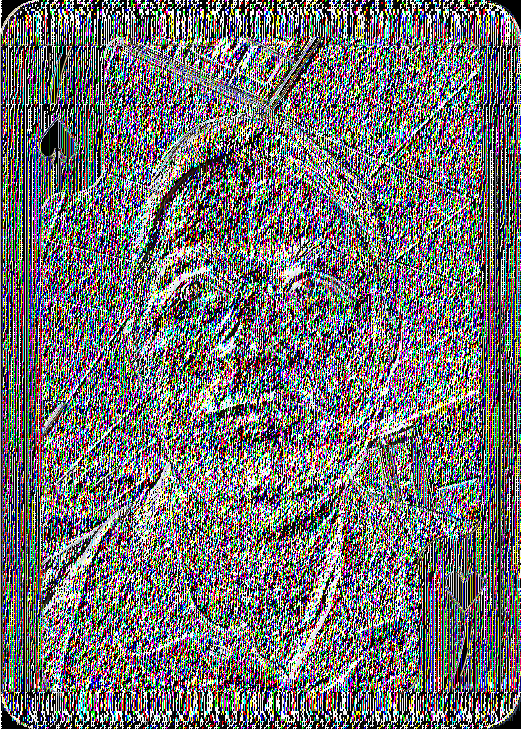
I extracted the two images using [pdfextract](https://github.com/mobmewireless/origami-pdf/blob/master/bin/pdfextract) but this didn't work well.
[](/assets/images/image_7.png)
Object 7
[](/assets/images/image_8.png)
Object 8
But no worries, twitter helped...
> [@iguarism](https://twitter.com/iguarism) Just use pdfimages file extract location and display the extracted images
>
> — Louis Matthee (@zither911) [December 17, 2016](https://twitter.com/zither911/status/810076941499985922)
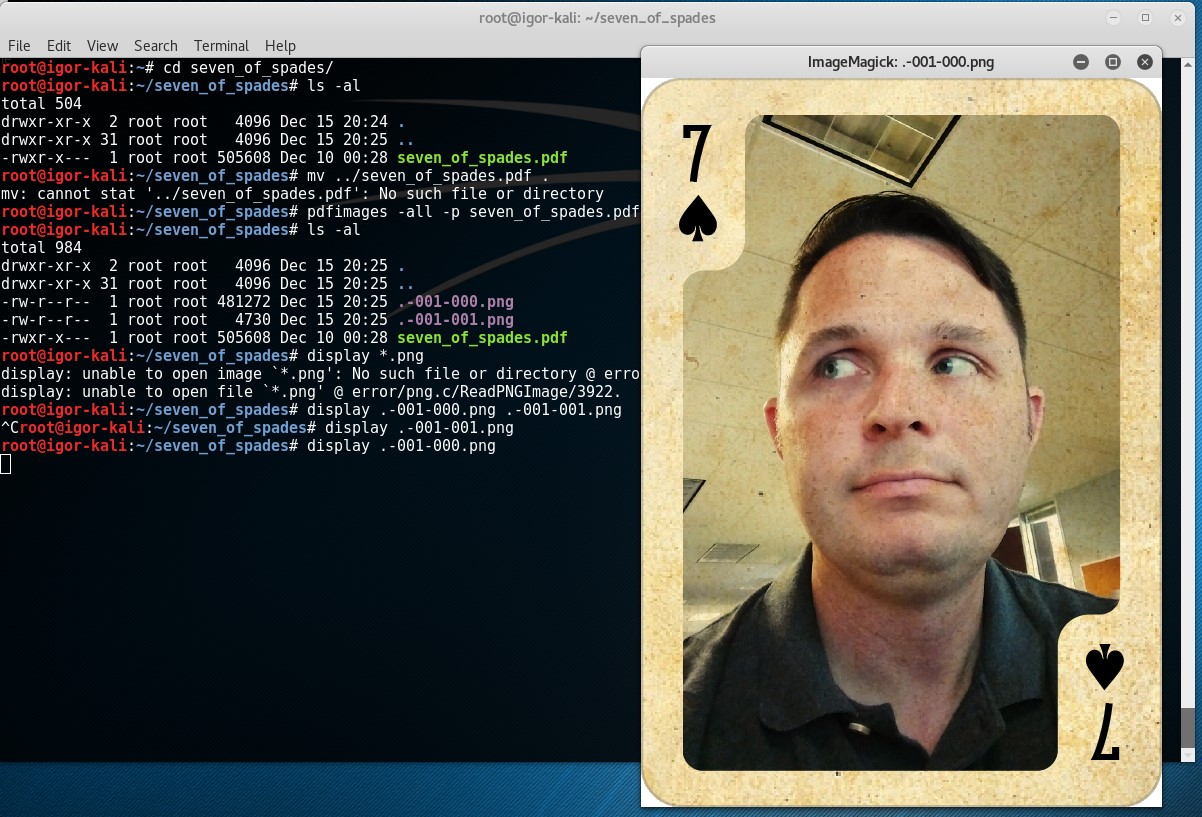
So that's what I did
```bash
root@igor-kali:~/seven_of_spades# pdfimages -all -p seven_of_spades.pdf .
root@igor-kali:~/seven_of_spades# ls -al
total 984

drwxr-xr-x  2 root root   4096 Dec 15 20:25 **.**

drwxr-xr-x 31 root root   4096 Dec 15 20:44 **..**

\-rw-r--r--  1 root root 481272 Dec 15 20:25 **.-001-000.png**

\-rw-r--r--  1 root root   4730 Dec 15 20:25 **.-001-001.png**

\-rwxr-x---  1 root root 505608 Dec 10 00:28 **seven_of_spades.pdf**


```bash
root@igor-kali:~/seven_of_spades# file .\*.png

.-001-000.png: PNG image data, 521 x 729, 8-bit/color RGB, non-interlaced
.-001-001.png: PNG image data, 521 x 729, 8-bit grayscale, non-interlaced
The file was extracted to the .-001-000.png file
← Back to all posts